How many photos does the Bulin template need?
Upload one clear portrait to replace the template’s main performer. This photo does not assign the identities of other people in the scene.
Input portrait → generated video
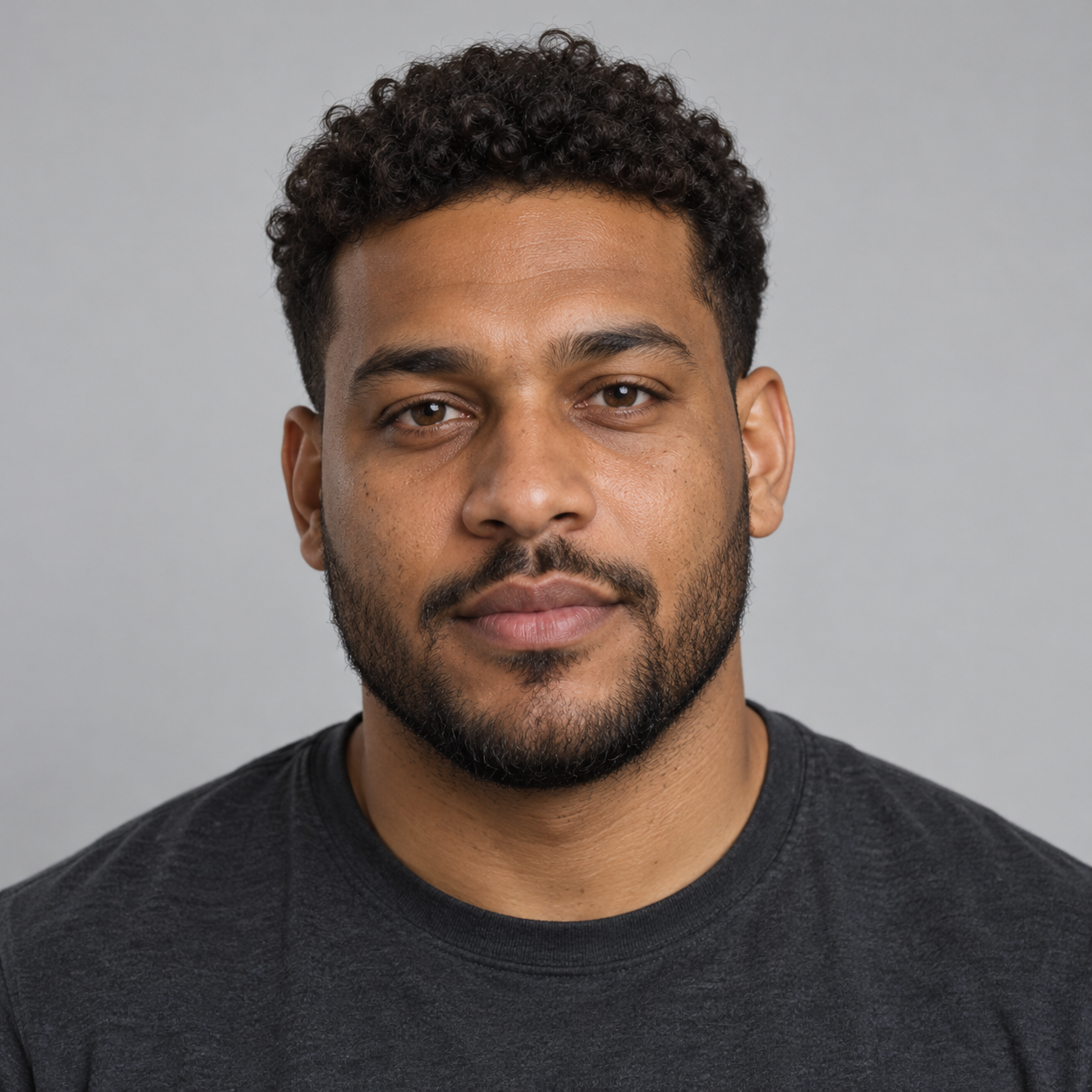
A fictional adult portrait was used for the main performer in this street-freestyle demo.
Requested 5 seconds · 480P · 9:16
Your person, center stage.
Generated with Rapper AI using AI-created portraits of fictional adults.
Trend template guide
Generate a street-freestyle video with the Bulin 47 Freestyle video template and your photos. Choose duration, quality and aspect ratio, then review the credit quote.
Step-by-step guide
Choose a video template and upload portraits to generate a performance in its scene.
Upload one clear portrait to replace the template’s main performer. This photo does not assign the identities of other people in the scene.
Choose 480P or 768P, a whole-second duration from 1 to 15 seconds, and 9:16 or 16:9. Credits depend on the template, uploaded photo count, duration and quality. Review the exact quote before generating.
Sign in with sufficient credits, review the displayed quote, and select Generate video. Track the task and find the result in My videos.
About the template
This template puts a main performer in a street-freestyle scene alongside other people. Upload one clear portrait to give the main performer your chosen identity; the other people do not have separate photo slots. The reference guides the setting, performance and camera, while the generated video and audio can vary from the demo.
Make it your own
Upload one clear portrait to replace the template’s main performer. This photo does not assign the identities of other people in the scene.
Choose 480P or 768P, a whole-second duration from 1 to 15 seconds, and 9:16 or 16:9. Credits depend on the template, uploaded photo count, duration and quality. Review the exact quote before generating.
The current template workflow does not accept custom prompts, lyrics or audio uploads. The template supplies a matching audio reference; audio is generated with the video and words, vocals and lip sync can vary. Rapper AI does not create separate song, lyric or beat tracks.
Use a photo of yourself or a person who has explicitly permitted this use. Do not use the service for deceptive impersonation or unauthorized use of someone’s likeness.
The demos were generated through Rapper AI’s template generator using AI-created portraits of fictional adults. They do not depict a real-person endorsement.
If a generation job fails, the credits charged for that job are returned automatically. This failed-job credit return is separate from a refund request for a paid order.