How to Generate an AI Rap Video with a Template
Pick an AI rap video template, upload portraits as required by the template, and generate a clip with a selectable duration from 1 to 15 seconds.
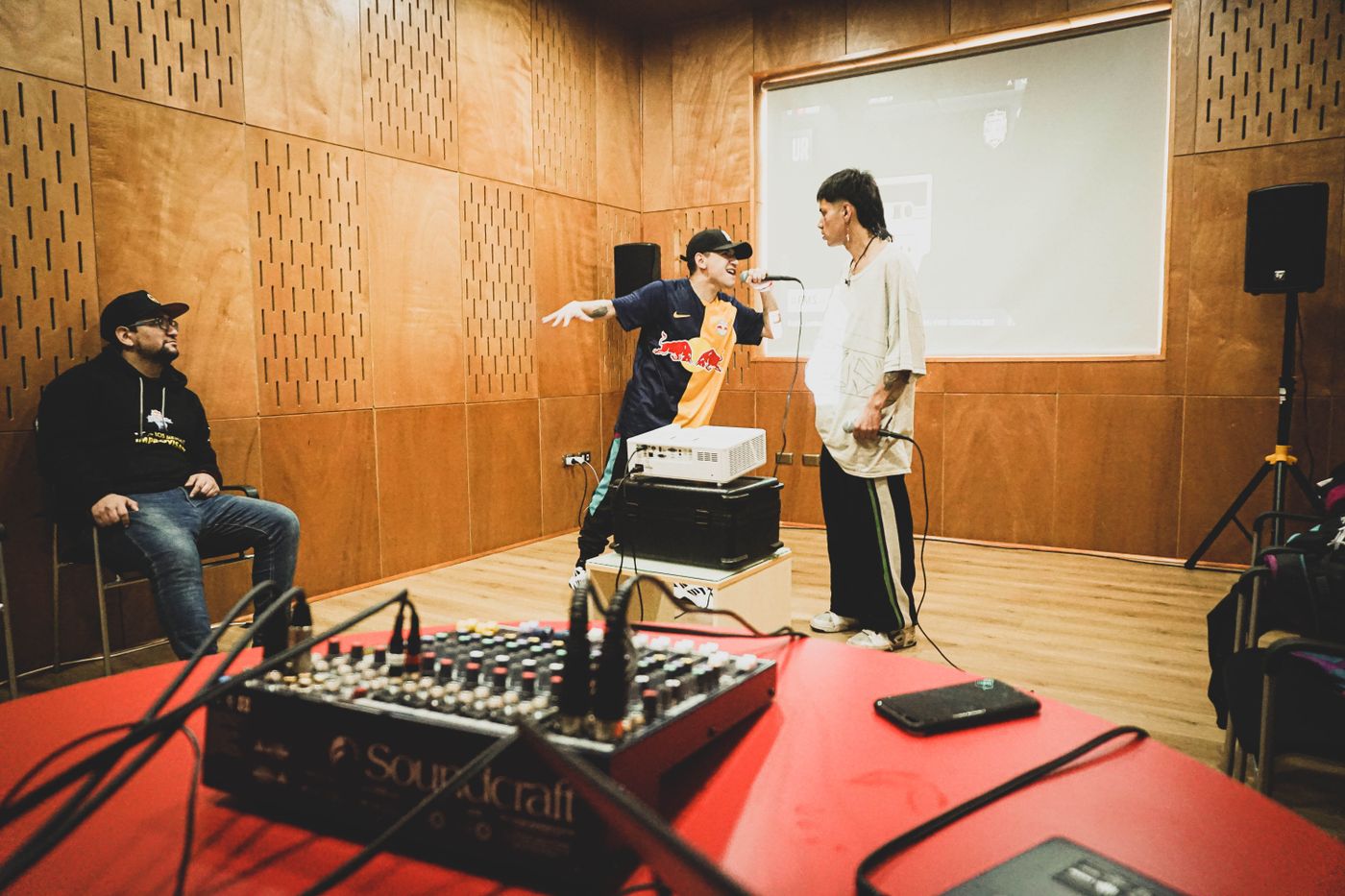
An AI rap video generator turns your photos into a short clip with synchronized generated audio. Rapper AI works from scene templates: pick a familiar performance format, upload the required portraits, and the template recreates the scene, movement, and camera work around your people. Choose any whole-second duration from 1 to 15 seconds and a 9:16 or 16:9 frame. The exact credit cost depends on the template, the number of photos, duration and quality — it is quoted live before you generate, so there are no surprises.
Choose a format: Hotel Lobby for one or two performers, Bulin 47 for a street freestyle, Burning Bridges for a party scene, or Tiny Desk AI (Desk Concert) for a lead-vocalist performance. Visit Pricing for plans and credit availability.
Generate a clip in four steps
- Choose a template. Start with the format that fits your idea — for example the two-person shared-microphone Hotel Lobby performance or a street-freestyle scene.
- Upload photos. Use a clear portrait with one person in each photo. Hotel Lobby uses one photo for both performers, or two for separate identities; Bulin uses one main performer photo. Use only photos of people who agree to appear; the photo provides their identity, while the template keeps the wardrobe, staging, and camera structure.
- Set the frame and duration. Select portrait (9:16) or landscape (16:9) and any whole-second duration from 1 to 15 seconds. The video includes audio generated with the clip.
- Submit the job. Sign in, check the quoted credits next to the generate button, and make sure your account has enough of them. Select Generate video. If generation is temporarily unavailable, try again later.
What the generator does and does not do
The generator places the people in your photos into the template scene. The current workflow does not accept custom prompts, lyrics or audio uploads. It does not create a separate song or lyric track or guarantee word-for-word lyrics and lip sync. Audio is generated with the video and follows the performance's rhythm. A failed generation is refunded automatically.
Template pages also include trend context and creator guidance alongside the generator.
Make the result fit the platform
Portrait framing is a practical starting point for short-form feeds. Keep the performer and the key action inside the frame, avoid small text near the edges, and preview the final clip before posting. A template guides the scene, but it cannot guarantee exact lyrics, timing, or camera movement.
Before publishing, check the music, likeness, and synthetic-media disclosure rules that apply to the platform and content you use. Rapper AI does not supply rights to a song, source video, artist likeness, or branded set — upload only photos you are allowed to use.
Start with the Hotel Lobby template or explore the AI rap video templates.