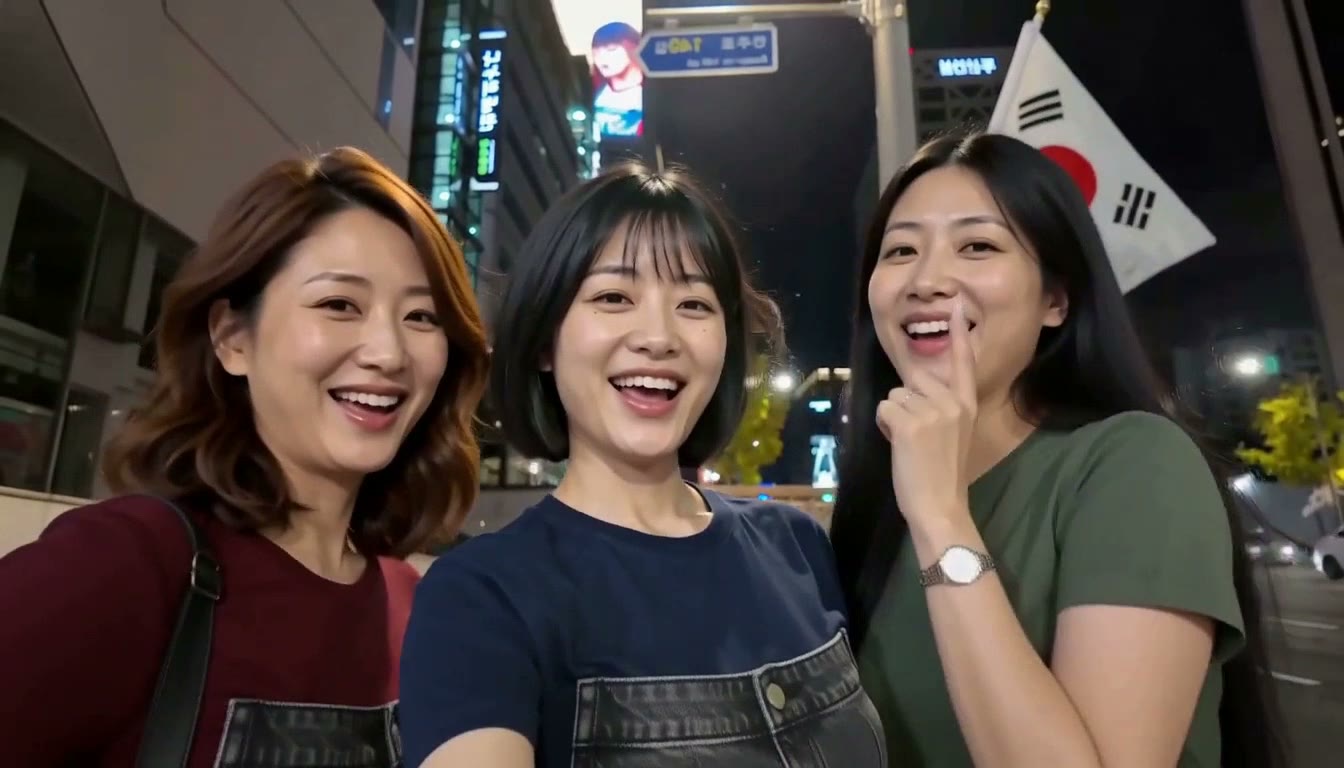
Gangnam Style AI
Create the three-person street selfie with 1–3 portraits.
AI-created portraits · Generated with Rapper AI
A video template studio
Turn your photos into short rap and music performance videos. Choose a template, upload portraits, and create a video with template-guided audio. Review the credit quote before generating.
Choose a scene and finish your video here. Upload the photos it needs, review the exact credit quote, then generate.
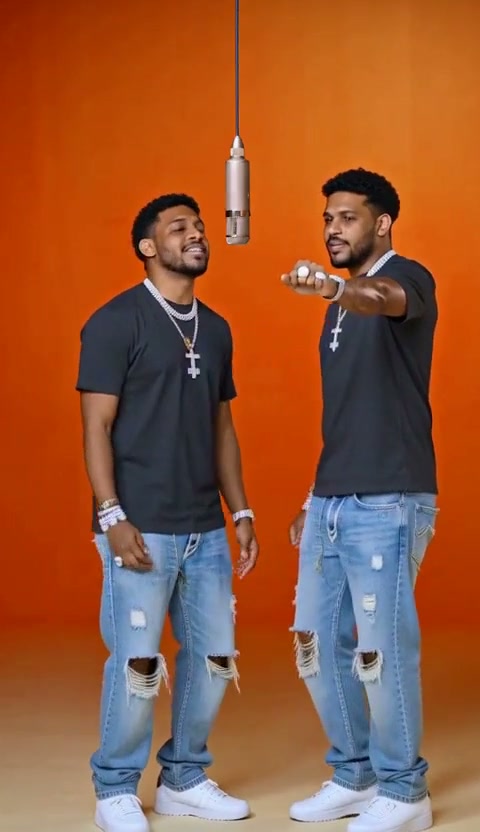
Hotel Lobby
Generate a two-person studio performance from one or two portraits.
Create the three-person street selfie with 1–3 portraits.
AI-created portraits · Generated with Rapper AI
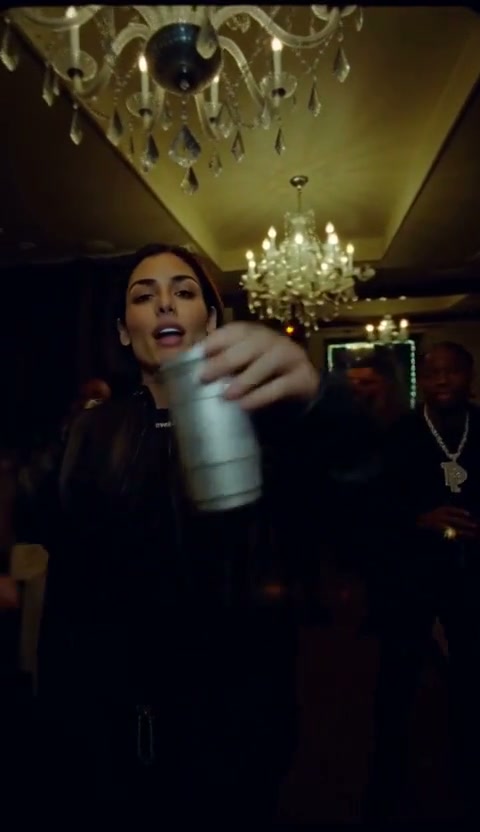
One photo puts you in the chandelier party, silver cup in hand, with the crowd joining in.
AI-created portraits · Generated with Rapper AI
Generate a two-person studio performance from one or two portraits.
AI-created portraits · Generated with Rapper AI
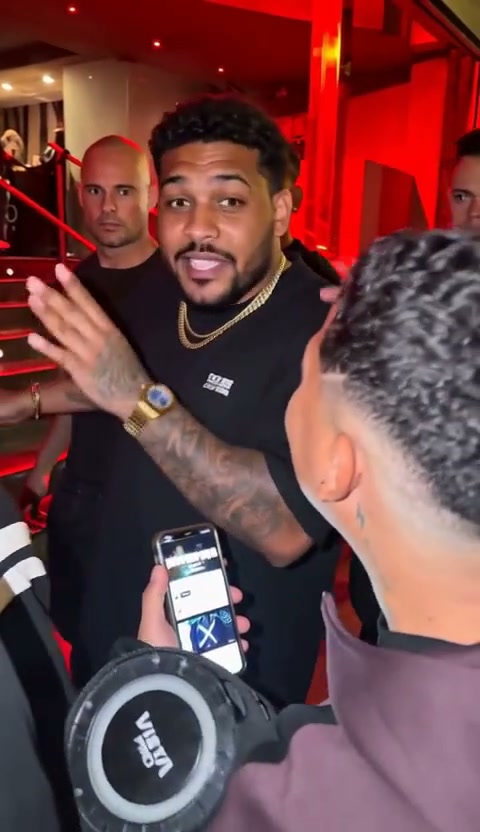
Upload one portrait to become the main performer in a street-freestyle video template.
AI-created portraits · Generated with Rapper AI
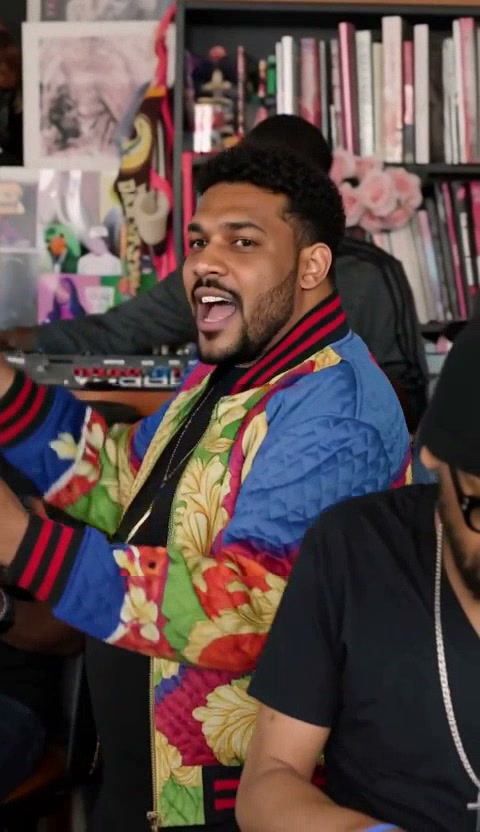
Upload one portrait to become the lead vocalist in a desk-concert performance with generated audio.
AI-created portraits · Generated with Rapper AI
About the tool
Rapper AI brings together a curated set of rap-performance templates and selected short-video formats. Pick a scene and upload the required portraits to recreate its staging, movement and camera work. Audio depends on the template.
Choose a two-person performance, a street freestyle, a chandelier party or a desk concert.
Choose who appears in your video. Hotel Lobby supports the same identity for both performers or a different photo for each role.
Choose a template in the creator above, upload its required photos, review the live credit quote, then generate. Available duration and aspect ratio depend on the template. Sign-in and sufficient credits are required.
Rapper AI provides video templates that work from your photos. Pick a template, upload the required portraits, and recreate the scene with your performers. Available settings and audio depend on the template. Sign-in and sufficient credits are required.
Choose a template in the homepage creator or open its template page. Upload the required performer photos, review the available settings and credit quote, then select Generate video. Sign-in and sufficient credits are required.
The live templates include a two-person studio performance with Hotel Lobby, street freestyle with Bulin 47, a chandelier party with Burning Bridges and a lead-vocalist performance with Tiny Desk AI (Desk Concert). Upload the required portraits; the template guides the scene, movement and camera.
Hotel Lobby is a two-person performance video template. One lead photo supplies both identities; add an optional partner photo to use two different people.
Yes. The homepage creator and each template page provide a photo-to-video generator. Upload the required photos and review the template settings and exact credit quote before generating. Sign-in and sufficient credits are required.
Available durations and credit costs depend on the template. The exact quote is shown before generation.
New accounts do not receive free signup credits. Credit packages are available on the Pricing page. Video generation requires sign-in and sufficient credits. Failed generation jobs automatically return charged credits.
You can upload performer photos as required by the template. The current workflow does not accept audio uploads, custom prompts or lyrics. Audio depends on the template.