How to Write a Prompt for an AI Rap Video
A practical prompt structure for AI rap videos: describe the performers, setting, action, framing, camera movement, lighting, and originality constraints.
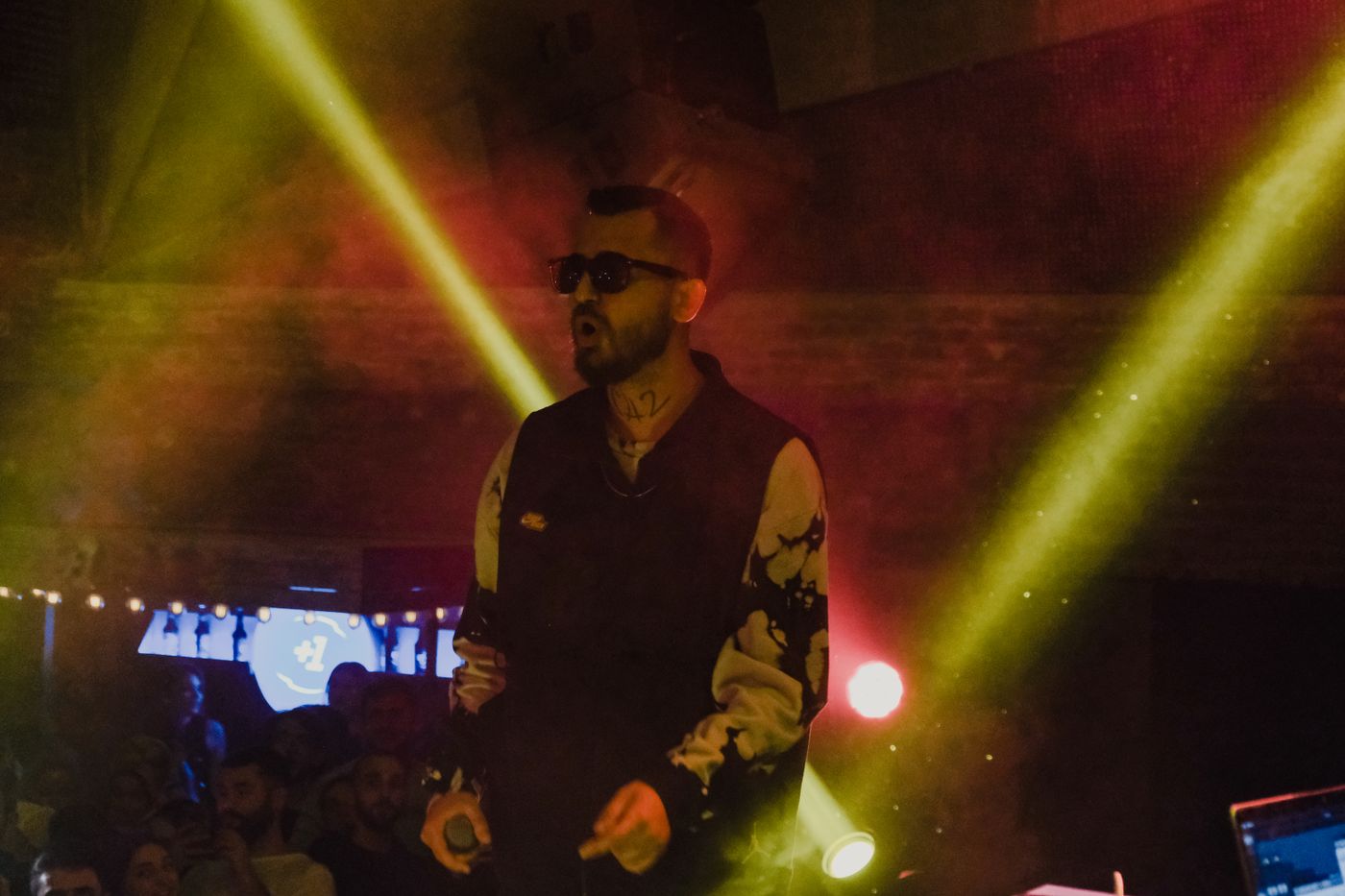
A clear AI rap-video prompt describes who is on screen, where the performance happens, what changes during the clip, and how the camera sees it. Add lighting, mood, aspect ratio, and originality constraints so the video model has a concrete visual direction.
This guide explains prompts for tools that accept them. Rapper AI's current templates already supply scene direction and do not accept custom prompts: choose a template, upload portraits, and select your video settings instead.
A reusable prompt structure
Use this order as a starting point:
- Format: freestyle close-up, booth duet, cypher, or another short-video scene.
- Performers: number of people, clothing, position, and whether they are original consenting subjects.
- Setting: location, time of day, background, and practical props.
- Action: the verse moment, hand-off, reaction, or movement that should happen.
- Framing and camera: portrait or landscape; shot size; camera movement; and whether it should feel handheld or locked off.
- Light and mood: light sources, color, contrast, energy, and visual texture.
- Constraints: original people, lyrics, audio, and set; no imitation of a named artist or exact source clip.
Example: original street freestyle
Create a vertical 8-second freestyle performance with one original consenting performer on an outdoor basketball court at dusk. Begin with a wide shot of the empty court, then make a slow handheld push-in as the performer delivers an original verse directly to camera. Use cool evening light, court lines, and a chain-link fence for a grounded documentary feel. Keep the scene focused on this performer; do not imitate a real artist or copy existing footage, choreography, or audio.
The example specifies one key action and gives the camera a simple progression. It avoids asking the model to reproduce a particular artist or viral video. Replace the location, light, and movement to fit your own idea.
Keep the prompt focused
For an 8-second clip, one clear performance moment is easier to interpret than a long sequence of unrelated actions. Avoid contradictory directions, such as asking for a locked camera and a fast tracking shot at the same time. Put the most important subject and action near the beginning of the prompt.
This structure is also how professional scene direction is written — and it is exactly what Rapper AI's templates bake in for you. On the template pages you do not write or edit a prompt: pick a template, upload portraits as required by the template (one person per photo), choose any whole-second duration from 1 to 15 seconds and a 9:16 or 16:9 frame, and the fixed template direction handles the setting, action, and camera. The exact credit cost is quoted live before you generate. Audio is generated with the video; lyrics are not guaranteed word-for-word. Generation requires sign-in and enough credits. Use this article to plan what you want on screen, and to judge prompts when you work with tools that do accept them.
Try the Hotel Lobby template or browse the template library.